Teams
Use Category focus when you need to separate operating categories
Category focus is an optional focus lens for grouping work by configured categories.
Problem / use case
If you need to separate operating categories, Category focus becomes fragile when the work behind enable category focus if it is available for your account. and Open Category from the sidebar. is separated from Daily Plan, Reports analytics, and Feature access settings.
What should be done conceptually
Category focus works best when the teams decision, next action, and progress evidence stay close enough for separate operating categories to remain visible.
TimeLens solution
TimeLens solves that by making Category focus part of the same workspace as Daily Plan, Reports analytics, and Feature access settings, so the feature helps the work move instead of becoming another isolated page.
Actual app screen
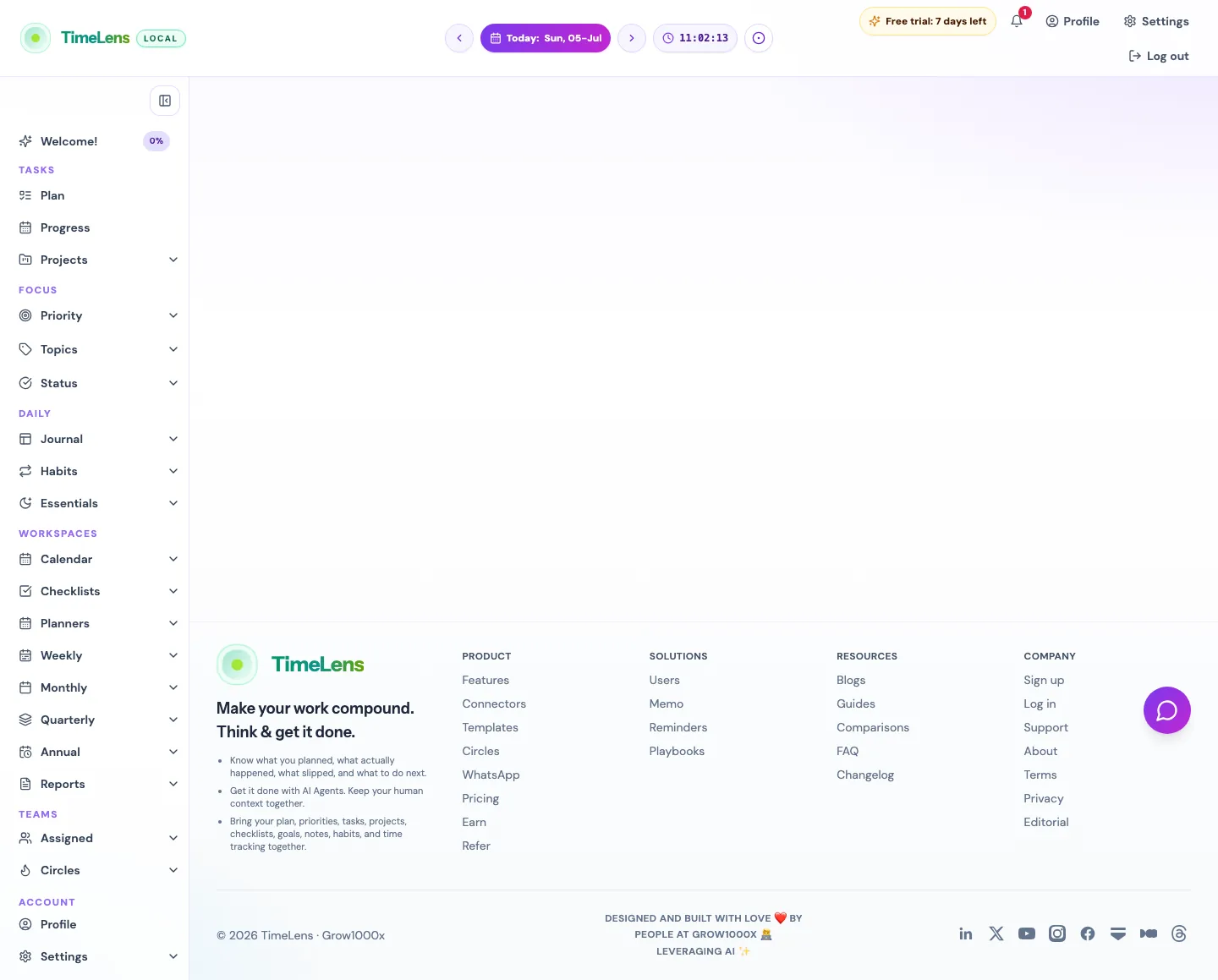
The public guide links to the real TimeLens route instead of showing a recreated mockup. Open the linked TimeLens screen to see the same route in action.
Actual product snapshots
How to use it in TimeLens
Enable category focus if it is available for your account.; Open Category from the sidebar.; Use category pages to review related rows, time, and pending work.
What it helps with
Separate operating categories; Review category-level effort; Debug focus taxonomy
Where this feature connects
Daily Plan; Reports analytics; Feature access settings
Open this in TimeLens
Open the matching TimeLens menu item after signing in, or create an account to start from the same workspace.
Related feature pages
Continue with the most relevant TimeLens guide pages for this workflow.